
Add-ons
An add-on is a priced extra attached to a service: paraffin, nail art, deep conditioning, a take-home plan. Clients multi-select what they want after picking the visit. Duration and price stack onto the appointment. Staff overrides keep one stylist’s beard trim from looking like another’s.
Raise the ticket without inventing a new service
Reusable catalog - attach the same add-on to several services
Own price and duration (minutes) that stack onto the visit
Clients pick none, one, or many in the booking flow
Staff overrides: different price, duration, or unavailable for a member
Optional custom fields once an add-on is selected
Promo rules can require an add-on bundle (all items in the set)


Extras belong on the service, not in a sidebar menu
Build add-ons once under Services, then attach them to the appointments that should offer them. Gel removal rides on a fill; aromatherapy rides on a massage. Reorder the list so the upsells you care about show first. Package purchases skip the enhance step - credits are for the bundle, not à la carte extras.
Booking shows the math
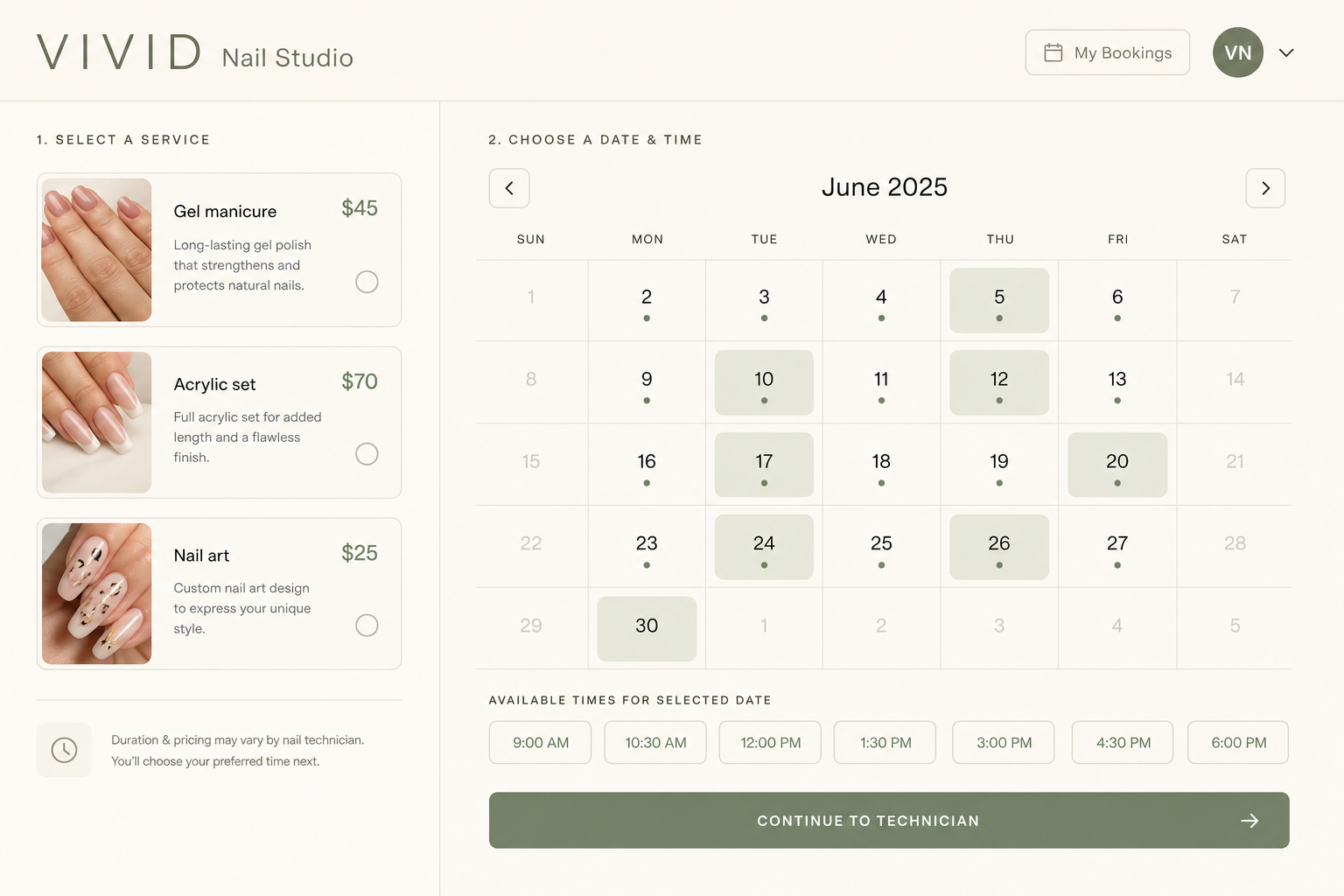
After the client picks a service (and a specialist when you use staff), an enhance step lists only the add-ons that person can actually offer. Each row shows +price and +time. They can skip entirely. Changing the set clears a promo they already typed, so the discount re-checks against what is really in the cart.
Team and promos stay precise
By default anyone on the parent service can deliver the add-on. Override a member’s price or duration, or mark them unable to offer it so it never appears for their book. Discounts can require a named add-on bundle - every item in the set - so a “mani + paraffin” code does not fire on a bare polish.
How you’ll use it
Create the extras
Name, optional price and duration, attach to the services that should sell them.
Tune the team
Leave defaults, or set per-member price, duration, or unavailable.
Let clients choose
They multi-select at booking. You can still edit add-ons on the appointment afterward.
FAQ
No. Clients can skip the enhance step. Custom fields on an add-on are only required after they select that add-on.
Yes, when you set a duration. Minutes stack onto the service so the calendar stays honest.
Yes. Create it once in the add-ons catalog and attach it wherever it belongs.
Use a staff override: mark other members unable to offer that add-on, or give them a different price and duration.
Yes. Limit the promo to an add-on bundle - the booking must include every add-on in that set. You can also limit by service or package.
No. Buying or redeeming a prepaid package skips the enhance step so credits stay tied to the bundle.
Every plan. Free still has the one-service limit; attach add-ons to the services you have.
Put extras on the book, not in a DM
Catalog, attach, and let clients multi-select at checkout.
hacado
Hacado gives independent beauty & wellness businesses a beautiful booking website without the ugly software.
© 2026 Hacado. All rights reserved.