
Client management
When someone books, Hacado looks up email and phone and attaches the visit to an existing customer instead of creating a twin. You get appointment history, files, communications, gift cards, and packages on that profile - plus payments that can auto-match to the visit. CardDAV pushes the same contacts onto a phone or desktop address book so inbound calls show a name, not a mystery number.
A client is a person, not a pile of form submits
Match returning clients by email or phone automatically
One profile: details, appointments, files, messages
Purchase history - gift cards and prepaid packages
Search the book by name, email, or phone
Schedule again from the last visit
Deposit rules per person: always, never, or inherit the default
In-store and online payments can attach to the appointment
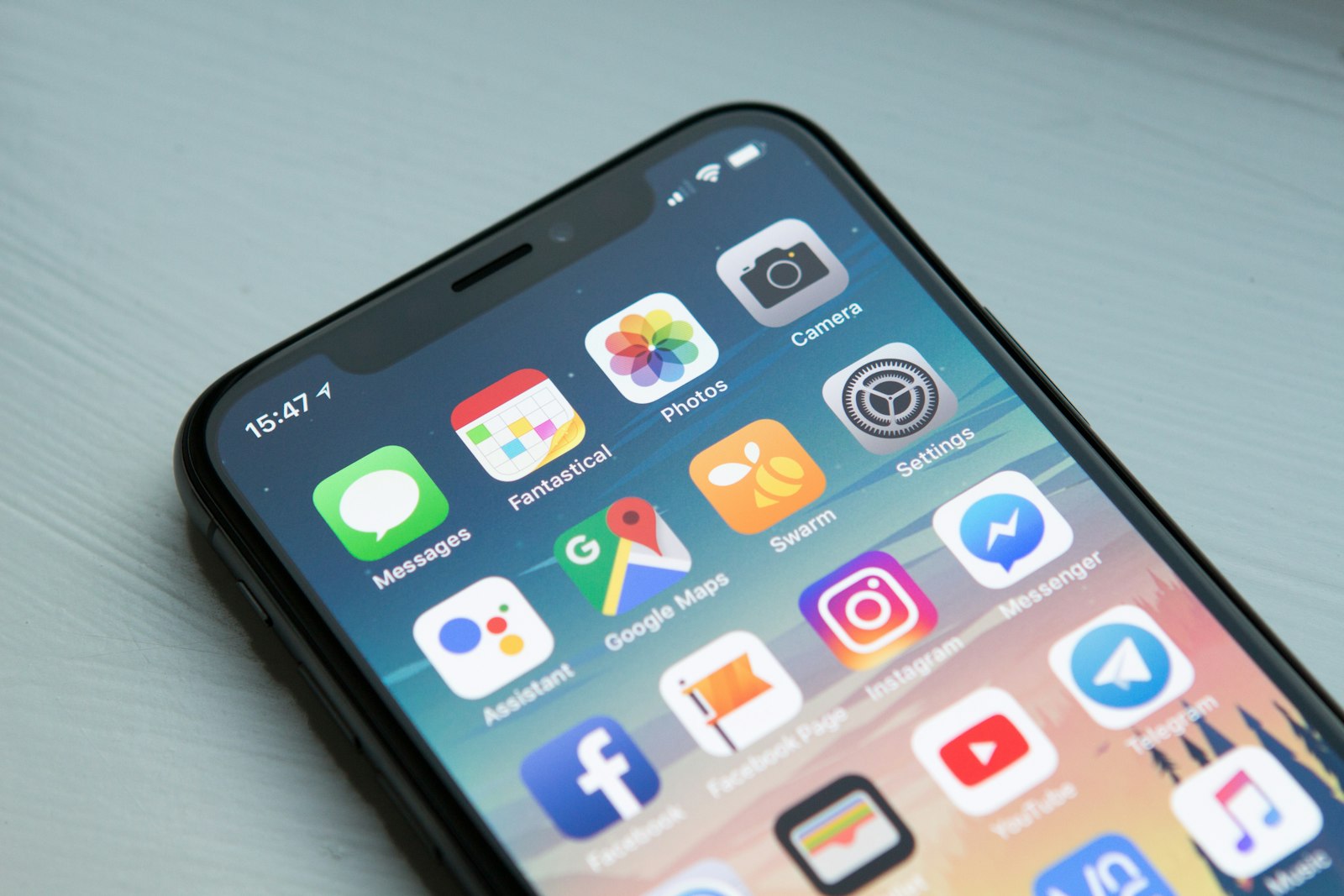
CardDAV sync so your customers show up in the phone address book
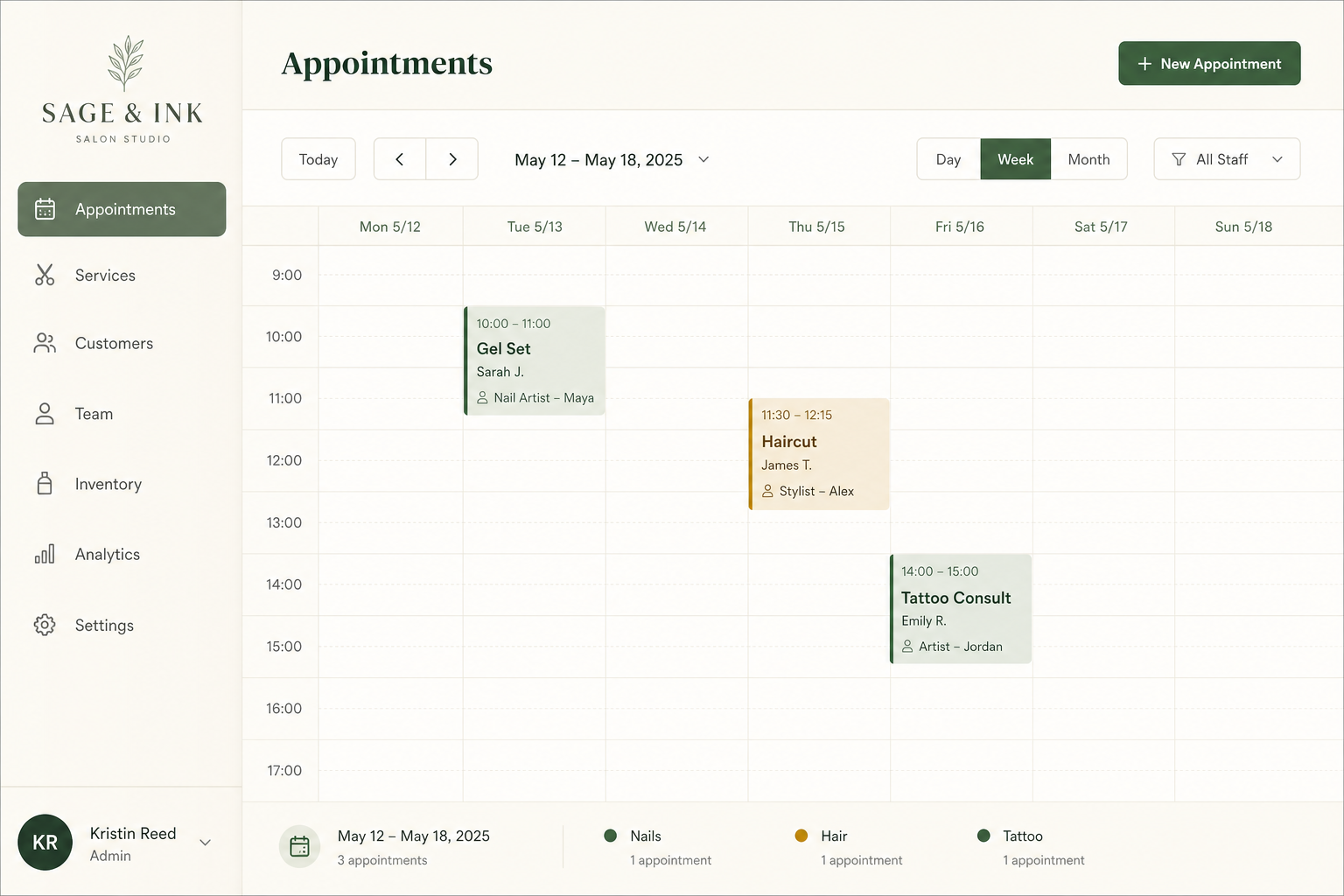

Auto-match so the list stays clean
New bookings call get-or-create: if the email or phone already exists, the visit lands on that customer and contact details update if they changed. The same lookup runs when a form is submitted with an email or phone, so intake is not a second anonymous row. You are not merging duplicates every Sunday.
History you can actually use at the desk
Open Customers, search, and see every appointment, attached files, and the message thread. Schedule the next visit from the last one. Notes live on the person, not in a stylist’s personal phone. The client cabinet lets them reschedule and update their own profile when you turn that on.
Purchases and payments follow the same person
Sold packages and gift cards show on the customer. Card-present or delayed processor payouts can auto-match to an appointment; staff confirm anything that needs a second look. That is how a Square tap at the desk and an online deposit end up on the same visit.
Deposit required - or not - for this person
Workspace and service rules are the default. On the customer you can inherit them, never require a deposit, or always require one and set the percent (including 100% prepaid). Use always for repeat last-minute cancelers and reschedulers who keep burning Saturday. Use never for the client who never no-shows and should not hit checkout every fill. Inherit for everyone else. A global “skip deposit after N completed visits” still applies unless you force the opposite on this record.
The same people, on your phone
Install CardDAV and Hacado gives you ability to sync your customers to a compatible contacts app - iPhone, Android, or desktop. Incoming calls can show the client’s name instead of a raw number.
How you’ll use it
They book once
Email and phone create or match a customer automatically.
You look them up
Appointments, files, messages, packages, and gift cards on one page.
You book them again
Schedule from history, or let them self-serve in the cabinet. CardDAV puts the same names on your phone.
FAQ
On booking, Hacado searches by email first, then phone. If either hits an existing customer, the appointment is attached there and details are updated. A new record is created only when neither matches.
A phone match still returns the existing customer, so the visit does not fork into a duplicate.
Yes. Create a customer or add an appointment by hand - same records as online booking.
Yes. On the customer record: inherit the usual rules, never require a deposit, or always require one (set the percent, including 100%). That is how you prepaid-lock a last-minute canceler and skip checkout for someone you trust. Workspace settings can also skip deposits after N completed visits for everyone who inherits the default.
The customer page lists appointments plus prepaid packages and gift card activity. Payment tabs on the appointment show deposits and synced in-store charges.
If the form includes email or phone, Hacado tries the same lookup before creating a person. Answers still live under Form responses.
Inside Hacado, Customers is the list - search it rather than keeping a parallel spreadsheet. CardDAV is the app that syncs those contact cards out to a phone or desktop address book.
Yes. Install CardDAV, copy the URL and credentials into your phone’s contacts app (or another CardDAV client). Names and numbers from Hacado show up for caller ID. CalDAV is the calendar equivalent - do not mix the two. Solo and Studio.
Yes, with the client cabinet (My Cabinet) on Solo - upcoming visits, reschedule and cancel in your policy windows, receipts, and meeting links. Staff still confirm, edit the service, decline, or mark no-show from Appointments.
Keep one history per person
Auto-match is built in. Cabinet and unlimited clients on Solo.
hacado
Hacado gives independent beauty & wellness businesses a beautiful booking website without the ugly software.
© 2026 Hacado. All rights reserved.