
Appointment management
Every booking is a record you can confirm, move, edit, decline, cancel, or mark no-show. New requests can wait for your approval or confirm themselves. Clients sign into the cabinet to reschedule or cancel inside the windows you set - so Saturday changes do not live in Instagram DMs.
The visit has a status. Someone can change it without a DM.
Awaiting confirmation, or auto-confirm when you trust the flow
Confirm, decline, cancel, or record a no-show - with optional refund and notify
Reschedule from the dashboard or let the client do it
Change service, add-ons, staff, duration, price, and notes on edit
Walk-ins and phone bookings added by hand on the same list
Client cabinet: upcoming visits, reschedule, cancel, meeting link, receipts
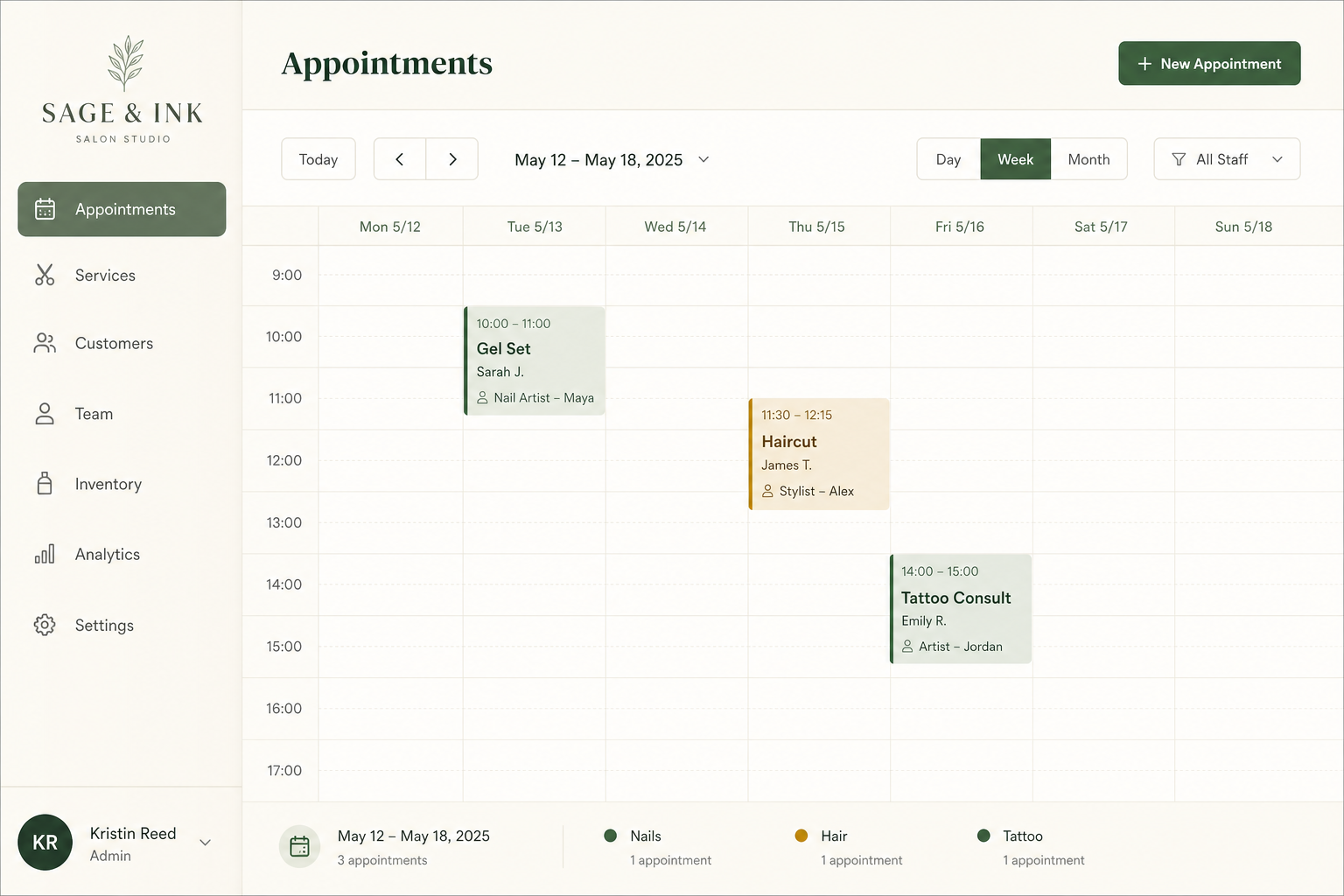


You stay in charge of the book
Open Appointments or the calendar. Pending requests wait if you do not auto-confirm. Confirm when you are ready, decline what you cannot take, cancel when the client called it off, record a no-show when they did not sit down. Reschedule to a new time. Edit to change the service, add-ons, who performs it, duration, price, or notes. History keeps the old service and the old time so you are not reconstructing the story from memory. Refunds can ride along when you close a paid visit.
Pending or auto-confirm - pick the default
By default new customer bookings wait for you. Turn on auto-confirm if you want the slot locked as soon as they finish checkout. Prepaid packages can override that (always, never, or inherit) so a pack of fills does not sit in a pending queue if you do not want it to. Pending appointments are a tab on the dashboard home - the morning list, not a buried email.
Clients can own their own changes
My Cabinet (on Solo) is a sign-in with a short email or SMS code. They see upcoming and past visits, reschedule or cancel inside your policy windows, pay a reschedule fee if you require one, join a video link, and pull a receipt. They do not rewrite the service from the cabinet - changing gel to acrylic is a staff edit, or they cancel and book the right thing. You set how far in advance they may move or cancel, and a max number of reschedules, so last-minute chaos is a setting, not an argument.
How you’ll use it
Choose confirm vs auto-confirm
Review every request, or let checkout lock the slot. Packages can differ.
Work the appointment
Confirm, move, change the service, decline, cancel, or mark no-show.
Let clients self-serve
Cabinet login, your cancel/reschedule windows, fewer DMs on Saturday.
FAQ
No. Auto-confirm locks the appointment when the client finishes. Leave it off and requests stay pending until you confirm or decline. Packages can override the default.
Yes. Staff can edit the appointment: service, add-ons, assigned team member, duration, price, and notes. History records the old option and the new one.
Decline is you rejecting a request. Cancel is the visit not happening (often the client called it off). No-show is they did not arrive. Each can notify the client or stay silent, and can refund payments if you choose.
Yes, in the client cabinet on Solo and Studio, inside the reschedule windows and max-count you set. Staff can always reschedule from the dashboard, including on Free.
Not from the cabinet today. They reschedule the time or cancel. Changing the offering is a staff edit, or they book the correct service after canceling.
Add an appointment by hand. Same statuses, same customer match, same reminders as an online booking.
No. My Cabinet starts on Solo. Staff appointment actions (confirm, reschedule, decline, no-show, edit) are on every plan.
Stop managing Saturday in DMs
Staff actions on every plan. Client reschedule and cancel in the cabinet on Solo.
hacado
Hacado gives independent beauty & wellness businesses a beautiful booking website without the ugly software.
© 2026 Hacado. All rights reserved.