
Discounts
Run a slow-season sale, a holiday code, or a first-visit offer without rewriting prices by hand. You control when the discount is valid, which appointment dates it covers, which services or packages it can touch, and how many times it can be used.
A sale you can aim, not a permanent markdown
Percent or amount off
Start and end dates for the promo itself
Separate window for which appointment dates qualify
Limit to specific services, add-ons, or packages
Promo codes (several per discount; clients can apply up to two)
Caps: total uses and uses per customer
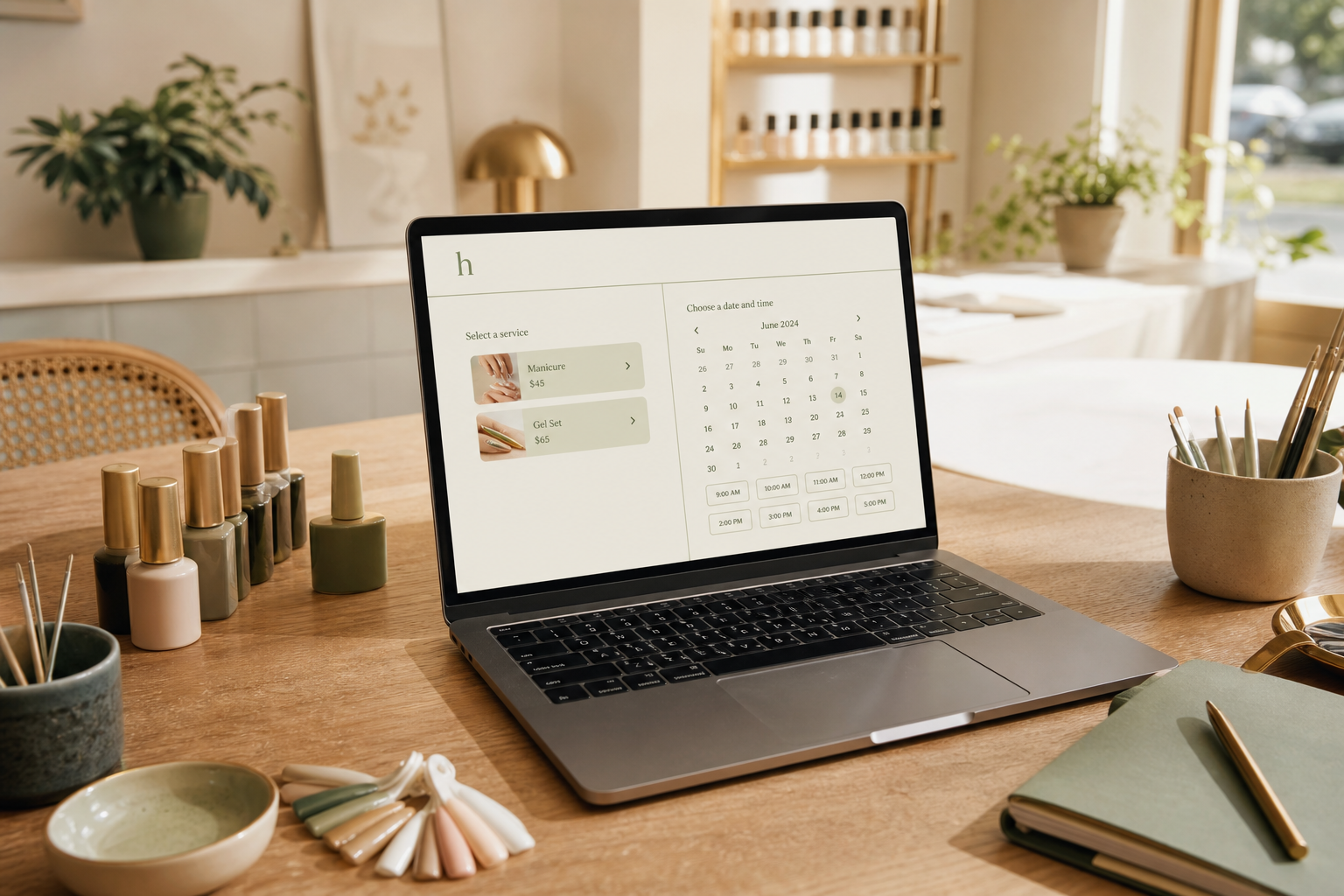
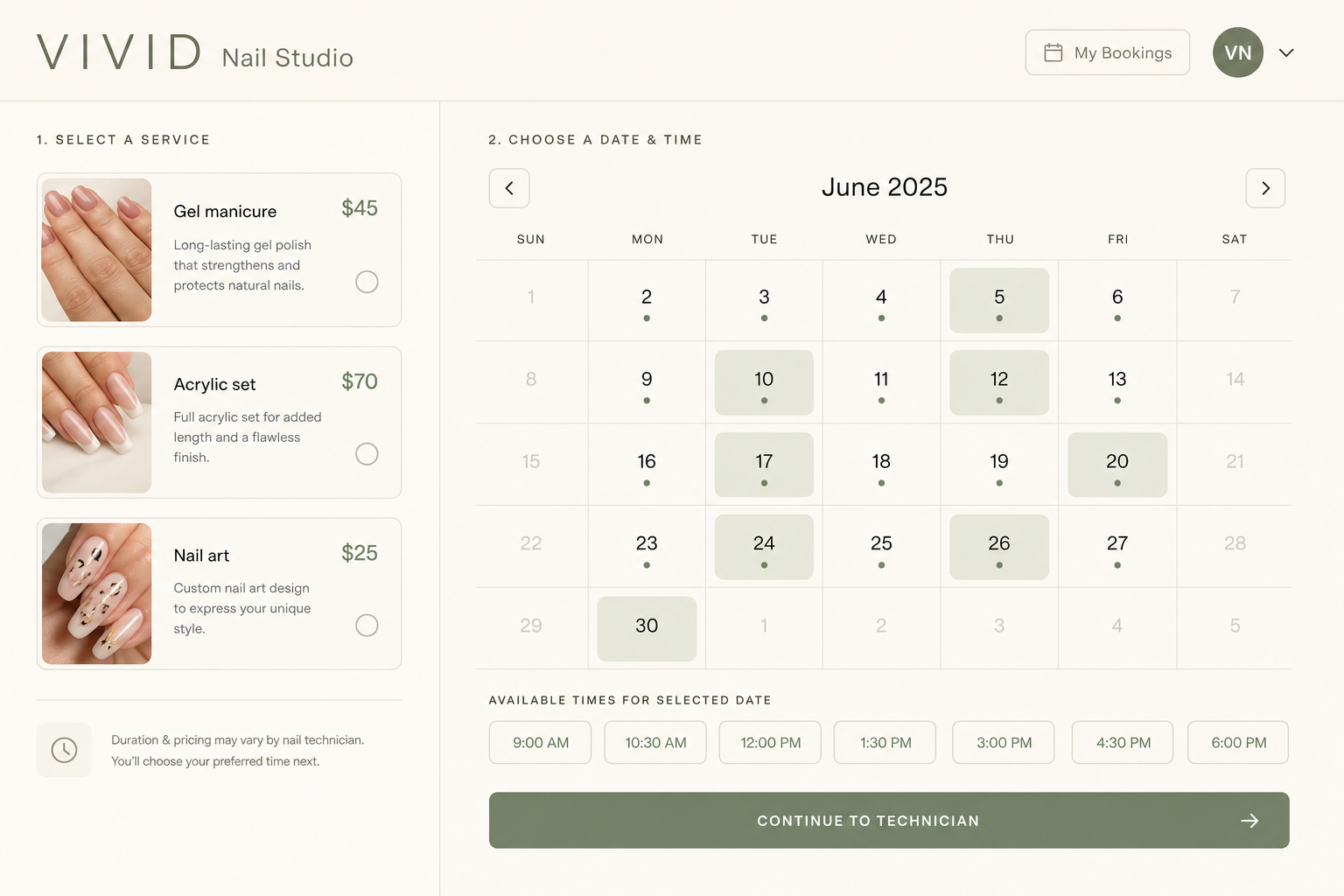

Seasonal does not mean forever
Give the discount a start and end date so January quiet weeks and December gift traffic do not share the same code. Disable it without deleting it when the season ends. Existing appointments that already used the deal stay as they were.
When it applies is not only “today”
You can restrict the visit date separately from the checkout date. Example: buy in November, but the discount only counts for appointments in January. That is how you fill a slow month without cheapening this week’s book.
Where it applies is a list, not a hope
Limit the deal to named services, add-on bundles, or prepaid packages. A color-correction promo should not knock 20% off a $15 add-on unless you say so. Caps stop one customer (or the whole internet) from draining the offer.
How you’ll use it
Name the offer
Percent or amount, optional codes, on or off.
Set the clocks
Promo window, plus which appointment dates are eligible.
Aim it
Limit to services, add-ons, or packages. Cap uses if you need to.
FAQ
Yes. Set start and end dates on the discount. Turn it off when the season ends without deleting history.
Yes. Earliest and latest eligible appointment dates are separate from when the code itself is active.
Limit the discount to the options, add-on bundles, and packages you list. Everything else stays full price.
They can. Each discount can have multiple codes. Checkout allows up to two promo codes on a booking.
Yes - a global maximum and a per-customer maximum. After that, the code stops applying.
Solo and Studio.
No. Removing a discount does not rewrite appointments that already used it.
Run a promo that knows its own rules
Seasonal windows, service limits, and codes on Solo.
hacado
Hacado gives independent beauty & wellness businesses a beautiful booking website without the ugly software.
© 2026 Hacado. All rights reserved.