
Packages
A package is a bundle people buy once and book against later - ten massages, five fills, a coaching block. Set the service, how many sessions, how long credits last, and who on the team can honour them. Sell on the website or issue a package at the desk.
Cash up front, visits over time
Prepaid session counts (for example 5× or 10×)
Tied to a service so booking spends a credit
Optional expiry after purchase
Sell on the website or record an in-store sale
Restrict which staff can perform package visits
See remaining, used, expired, and cancelled packages per client


Bundles are not a discount code
A discount is a one-time markdown. A package is inventory: the client owns N visits of a service. You set price, session count, and validity (or no expiry). Max purchases per customer stops someone from banking a year of stock if that is not the deal.
Sell it where they already book
Publish the package on your site next to single visits, or issue it in admin when someone pays in person. Booking with a package spends a credit and can auto-confirm differently from a regular booking if you want prepaid clients to skip the pending queue.
Teams can still control who delivers
By default anyone assigned to the service can take a package visit. Add eligible staff if only certain people should honour a premium bundle. Remaining credits show on the customer record so the front desk is not guessing.
How you’ll use it
Define the bundle
Service, session count, price, optional expiry.
Put it on sale
Public on the website, or sell at the desk into a customer record.
Book against it
Each visit spends a credit until the package is exhausted or expired.
FAQ
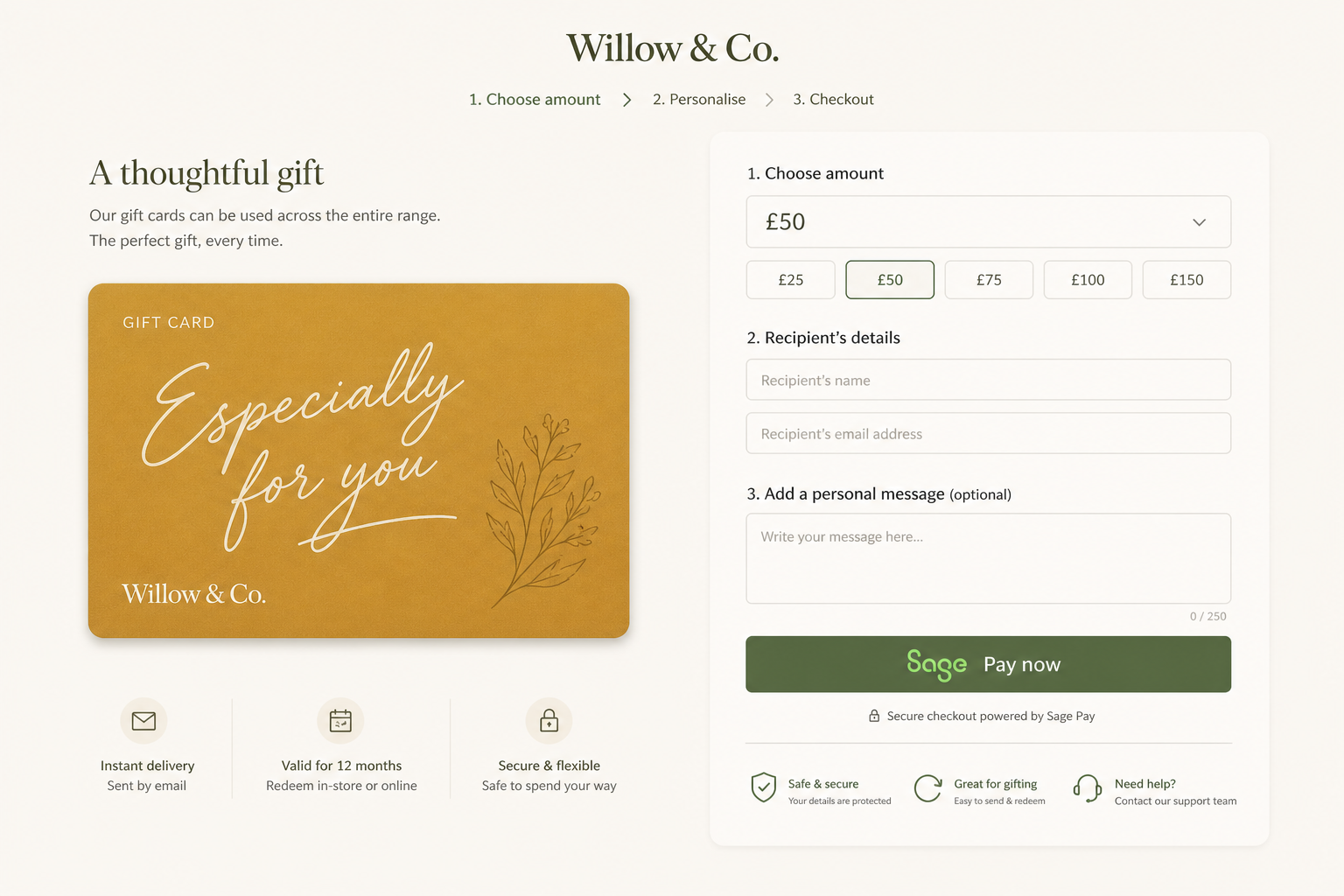
A gift card is stored value they can spend on whatever you allow. A package is a prepaid count of a specific service - five lash fills, ten lessons, a coaching block.
Yes. Set validity in months after purchase, or leave it open-ended.
Yes. Mark the package public so it appears in booking. You can also issue one in admin after an in-store payment.
Yes. Leave eligible staff empty for anyone on the service, or name the members who can perform those visits.
You cannot delete a package that has purchases. Deactivate it so new sales stop; existing credits still work until used or expired.
Solo and Studio.
Sell a bundle, not only a single slot
Prepaid packages on Solo - website or in-store.
hacado
Hacado gives independent beauty & wellness businesses a beautiful booking website without the ugly software.
© 2026 Hacado. All rights reserved.