
Payments
Take a deposit so no-shows hurt less. Charge in full when the visit should be prepaid. Send a payment link by email or text when the balance is still open. Track in-store card payments next to online ones. Financials stay in one dashboard on Solo - you pick the processor you already trust.
Lock the slot before they sit down
Stripe, Square, and PayPal - use one or more
Deposits or pay in full: percent or a fixed amount
Send a payment link by email, SMS, or copy - customer pays on your site
Skip deposits for returning clients after N completed visits
Override the rule per customer when someone burns you - or when they never do
Partial refunds when a visit changes
Sync in-store Square payments back to the appointment
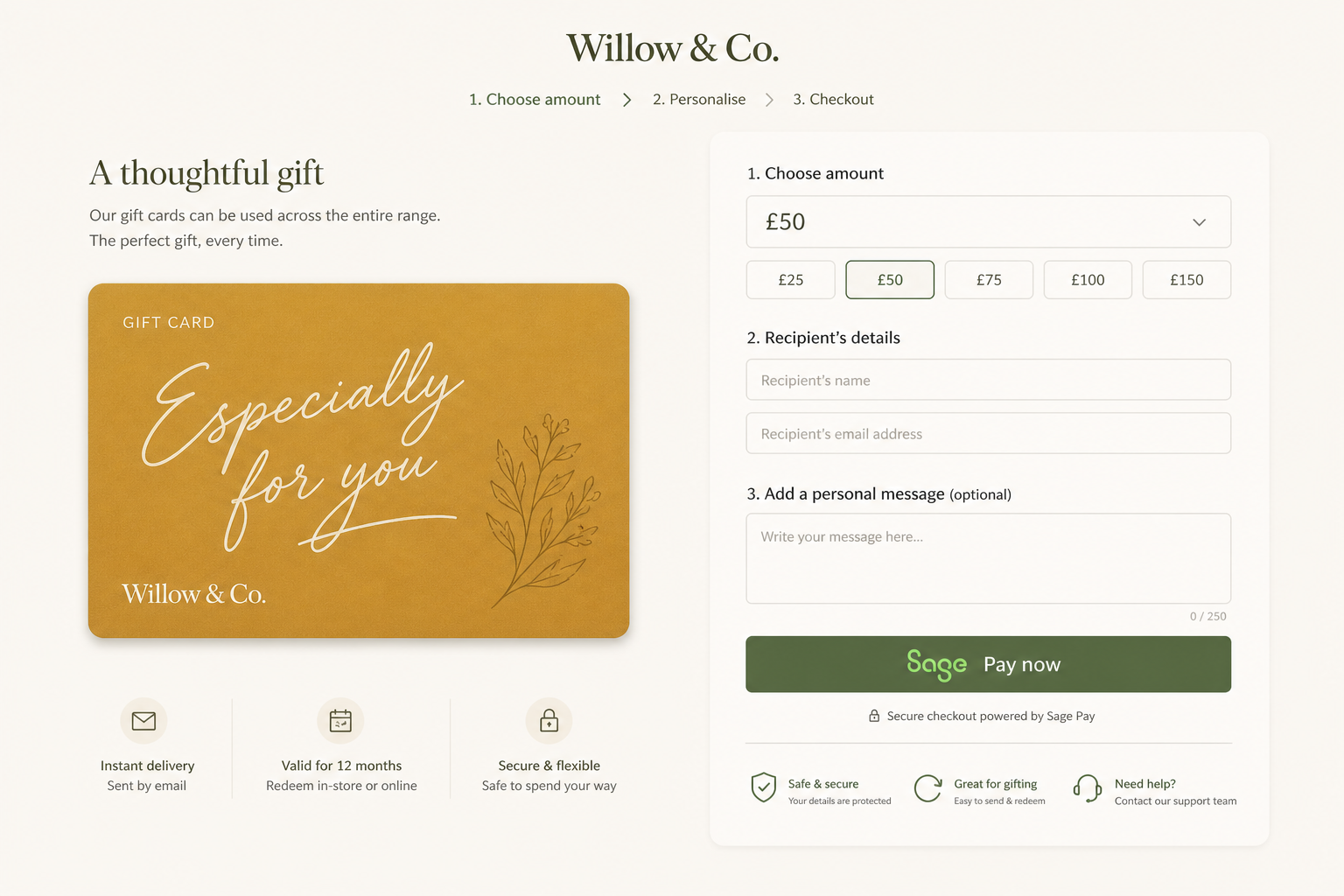
Gift cards and packages checkout on the same processors
Default processor if you connect more than one


Rules per service, not a one-size checkout
A consult might need a small deposit. A three-hour color might need more. A lesson might be paid in full. Set the rule on the service so checkout matches the work, then let Stripe, Square, or PayPal take the card.
Deposit settings that match how you actually book
Turn deposits on or leave them off. When they are on, the workspace default is a percentage of the price - 20% to hold the chair, 100% to collect in full. Each service can inherit that default, always ask (unless this customer is exempt), or never ask (unless you forced a deposit on the person). Services can also use a fixed amount instead of a percent, capped at the visit price. Optional: do not require a deposit once someone has completed N appointments, so first-timers pay and regulars do not - unless you override that person. If a calculated deposit would be tiny, you can set a threshold that charges the full price instead.
Send a link when they still owe
Not every balance gets paid at booking. From Collect payment, choose Payment link - email it, text it, or copy it. The client opens a page on your site, optionally verifies who they are, can tip if you allow it, and pays with your usual processor. Pending links show in the same payment list; they do not count as revenue until they pay. Resend, show a QR code at the desk, or cancel if the visit fell through.
In-store and online in one history
If you already tap cards on Square, Hacado can attach those payments to the visit so you are not reconciling two dashboards. Auto-matched records can wait for staff review when the match is not obvious.
You stay the merchant
Hacado sends the charge; the processor is still Stripe, Square, or PayPal. Payouts, disputes, and tax reports live in their dashboards. There is no Hacado marketplace taking a cut of the visit.
How you’ll use it
Connect a processor
Square, Stripe, or PayPal - pick what you already have.
Set deposit rules
Workspace default, per service, or per customer. Percent, fixed amount, or skip after enough completed visits.
Collect what is still open
Charge at booking, or send a payment link later. Appointment payments, gift cards, and packages stay in one place.
FAQ
Payment apps start on Solo. Free is for getting the site and calendar live first.
Yes. Charge a percentage or a fixed amount at booking and the rest in studio. Set 100% if the visit should be prepaid.
Yes on Solo and Studio. Install Payment Links from the app store, keep a default processor connected, then choose Payment link when you collect a payment. Send by email or SMS, copy the URL, or show a QR code. The client pays on your site - not a separate Stripe or Square link page.
Yes. Optionally skip deposits after a customer has completed a number of visits you choose. New people still pay. You can still force a deposit (including 100%) on one customer who keeps canceling last minute, or never require it for someone you trust - that override lives on the customer record.
No. Connect Stripe, Square, PayPal, or more than one. Set a default under Apps.
Where your processor and Hacado checkout support it, tips can be collected with the payment - including on payment links when you enable tip presets. Details depend on the connected app.
Yes. Partial and full refunds follow the processor’s rules. Your cancellation policy on the site should match what you actually refund.
No marketplace fee. You pay Hacado the plan price. Card fees belong to Stripe, Square, or PayPal as usual.
Stop chasing unpaid slots
Payments start on Solo. Connect the processor you already use - send a link when the balance is still open.
hacado
Hacado gives independent beauty & wellness businesses a beautiful booking website without the ugly software.
© 2026 Hacado. All rights reserved.